A downloadable tool for Windows

Buy Now$1.49 USD or more

GameBeats: The Spotify Automation Tool

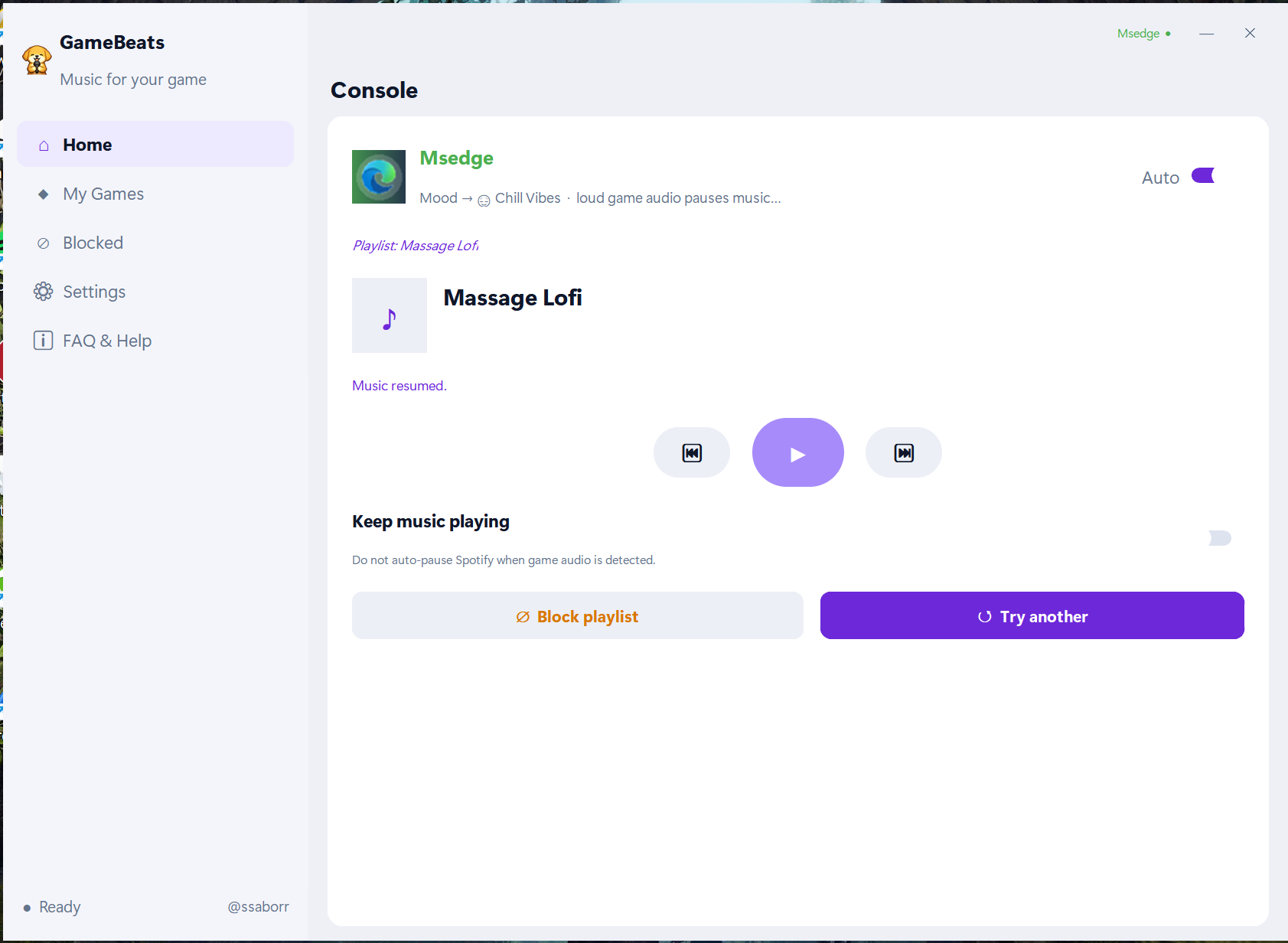
GameBeats is a Spotify automation tool built specifically to enhance your gaming and productivity. Simply launch your game or app, and GameBeats will automatically handle the music. No alt-tabbing, no manual playlist searching—just instant, automated vibes tailored to whatever you're doing.

🎮 Smart Game & App Detection

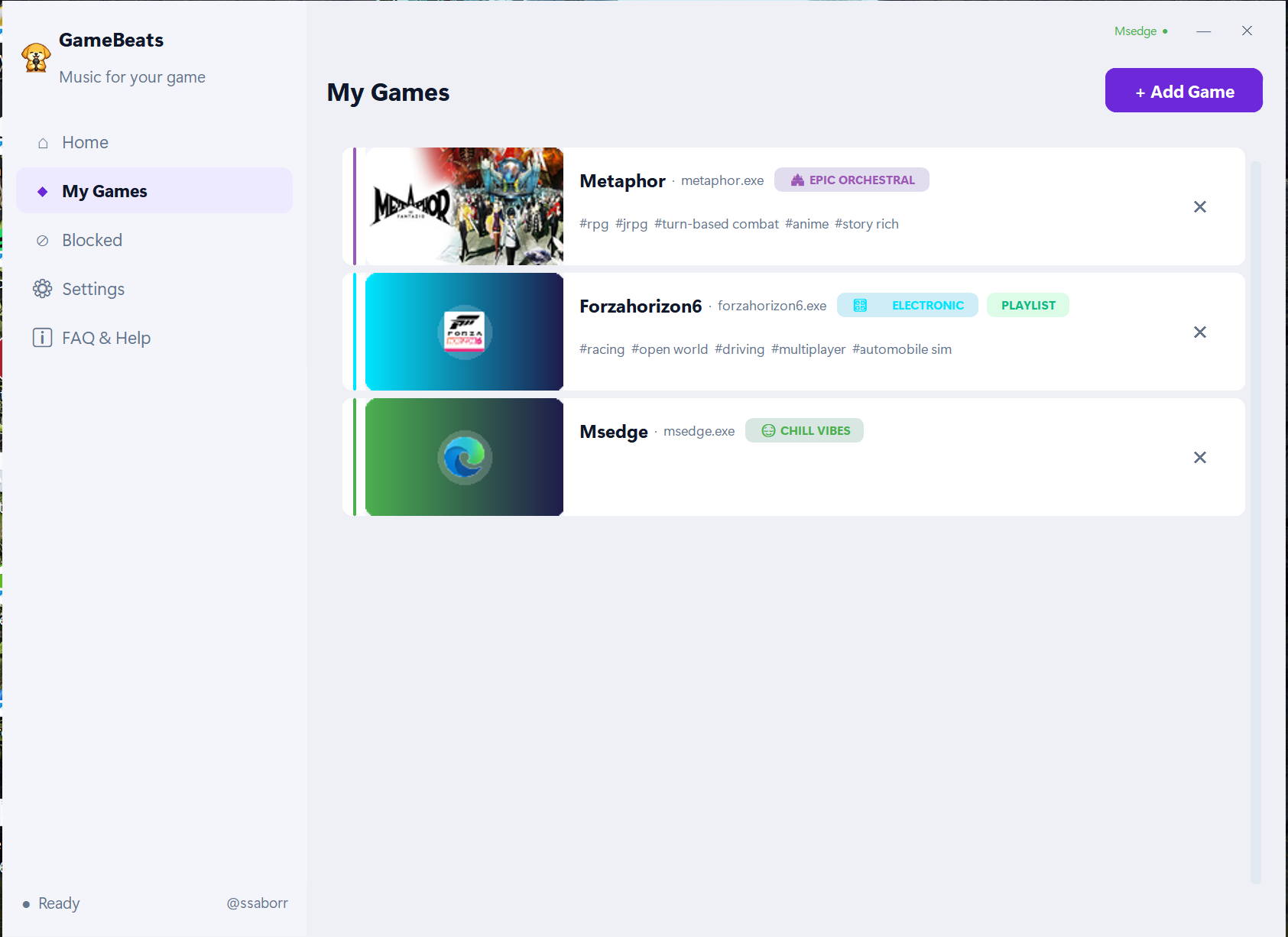
Add any game or application you want to GameBeats. The moment you launch it, your music starts playing automatically!

🎵 Curated Game Recommendations or Custom Playlists

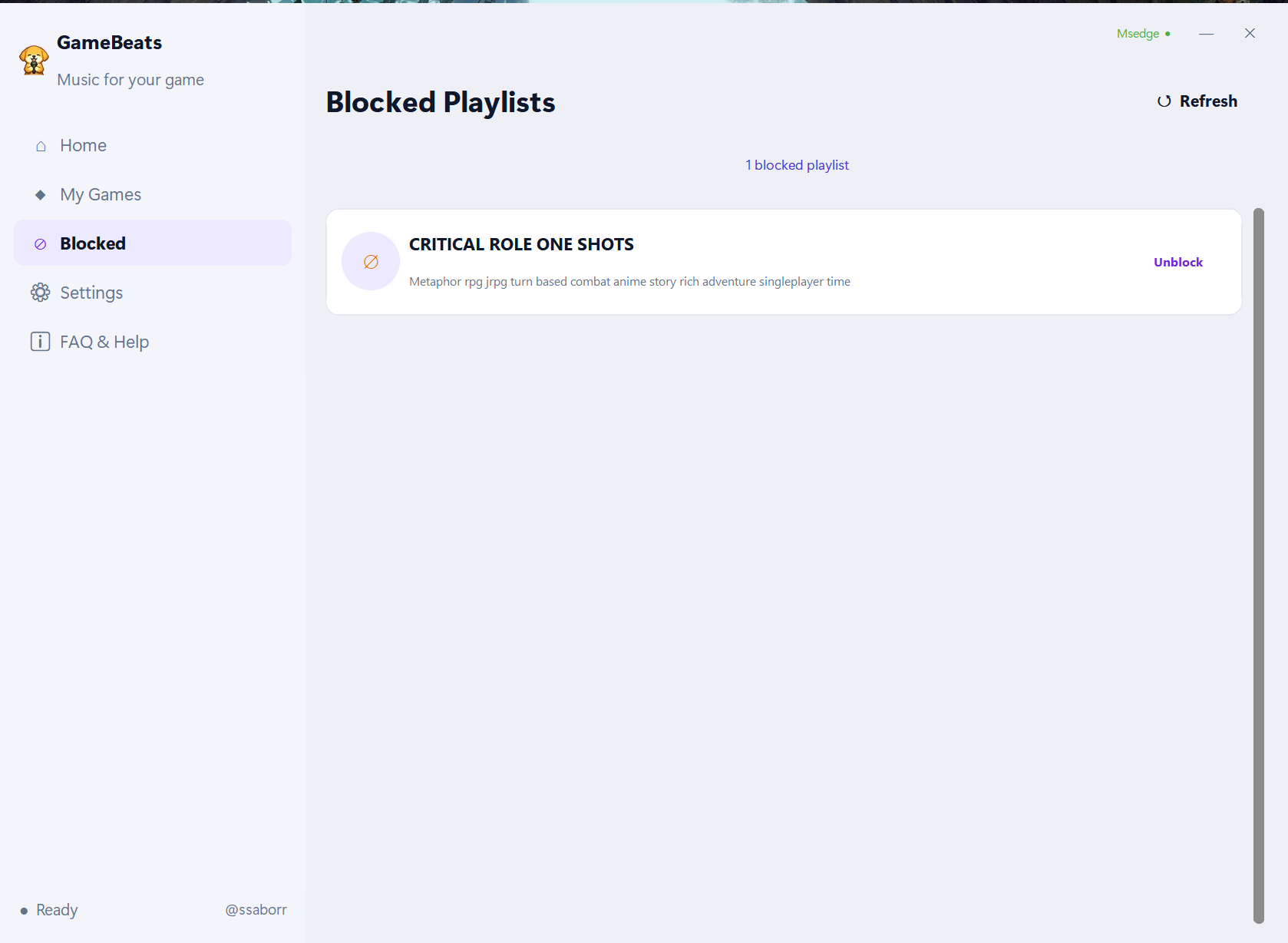
When you launch a game, GameBeats automatically searches Spotify and plays recommended playlists specifically tailored to that game! Don't want the recommendation? You can completely customize the search query, or tell GameBeats to play a specific, defined playlist of your own choosing instead.

⚙️ Two Powerful Listening Modes

Choose exactly how you want your music to behave:

  • Anti-Boredom Mode (Plays when silent): The music only kicks in when the game is quiet (like during exploration, loading screens, or menus) and pauses during the loud, important moments. You'll never be bored during downtime again!
  • Seamless Music Mode: Your music plays continuously and won't be paused by the game. Perfect for grinding sessions, multiplayer shooters, or casual games where you just want your tunes running non-stop.

🐶 The Puppy Mascot Overlay

Want some company while you play? Enable the signature GameBeats Puppy Overlay! Enjoy a fun, unobtrusive on-screen mascot that hangs out and sings along while your music is playing.

⚡ The ONLY Tool of Its Kind

If you're tired of manually managing Spotify while gaming or working, GameBeats probably is the only automation software that gives you this level of deep, seamless integration.

Quick Setup Guide & Important Best Practices

Getting started with GameBeats only takes a minute, but please follow these crucial steps to ensure a flawless connection:

Step 1: Install & Launch

  • Ensure you have the official Spotify Desktop app installed directly from the Spotify website (the Microsoft Store version is not supported).
  • Download and run the GameBeats installer, then launch it from your Start Menu.

Step 2: Connect Spotify (Crucial Step)

  • Click the "Login to Spotify" button in GameBeats.
  • A secondary Spotify browser window will open. You MUST log in to Spotify here using the exact same account that is currently active on your main Spotify Desktop app.
  • (Note: GameBeats supports both Premium and Free Spotify accounts! Free-tier users might find the initial connection slightly clunky, but it will smooth out once connected).

Step 3: Keep the Helper Window Open! While GameBeats is running, you may notice the login helper window remain open in the background. DO NOT close this window manually! It is required to maintain the connection to your music.

Step 4: Add Your Games & Apps

  • Go to the "Games" tab and click "Add Game".
  • Crucial: You must select the actual game executable (.exe) from your installation folder! Desktop shortcuts or Steam URL links cannot be tracked.
  • Choose your Mode (Anti-Boredom or Seamless) and set any custom playlists.

Step 5: Play! Leave GameBeats running in the background. Whenever you launch one of your added games, GameBeats will handle the music!

Early Access Notice

GameBeats is a personal project that I started because I was tired of constantly managing Spotify while gaming or studying. As a student , I built this tool to solve a problem I personally faced, and I'm continuing to improve it whenever I can.

Please keep in mind that GameBeats is currently in Early Access. While I've tested it extensively, you may still encounter bugs or issues.

If you run into any problems, have suggestions, or need help, feel free to contact me at:

amongkencod10@gmail.com

I'll do my best to help and improve the application based on your feedback.

Thank you for purchasing and supporting my project. My goal is to keep improving GameBeats and eventually publish it on Steam. Every purchase, bug report, and suggestion helps me get one step closer to that goal.

I genuinely appreciate your support. ❤️


☕ Optional Support

If you enjoy GameBeats and want to support the project, here's my PayPal:

https://paypal.me/ssaborr

Completely optional, of course.

My secret goal is to show my family that it's actually possible to make money from sitting in front of a PC most of the tim. So every donation helps me gather a little more evidence for my case. 😄

Thanks for checking out GameBeats and for supporting my project!


Published 1 day ago
StatusIn development
CategoryTool
PlatformsWindows
Authorssaborr
TagsAutomation, Music

Purchase

Buy Now$1.49 USD or more

In order to download this tool you must purchase it at or above the minimum price of $1.49 USD. You will get access to the following files:

GameBeatsSetup.exe 63 MB
if you pay $1.50 USD or more

Leave a comment

Log in with itch.io to leave a comment.